About CS 1.6
Learn the rules, objectives, teams, weapons, equipment, prices and practical tips before you start playing.
About CS 1.6Download Counter-Strike 1.6 for Windows. Choose the EXE installer, torrent or portable ZIP, then use the guides for installation, modern Windows fixes and NextClient settings.
224 MB .exe · Windows PC · The download buttons below point to the current CS16.LT client files. Check the source and security warnings before running an unfamiliar executable.
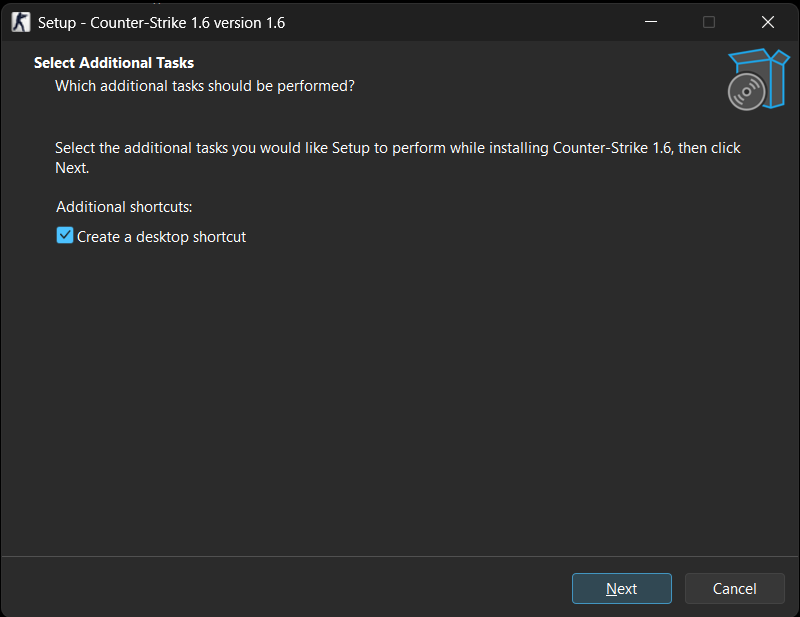
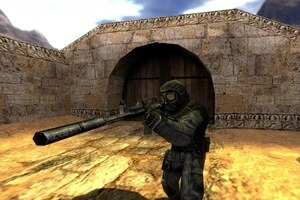
Counter-Strike 1.6 is the classic team-based FPS built on Valve’s GoldSrc technology. This page is designed around the real download intent: get the client, know what you are installing, and have a practical route to fixing it.
Counter-Strike began as a Half-Life modification in 1999, created by Minh “Gooseman” Le and Jess Cliffe. Valve acquired the rights and released Counter-Strike commercially in 2000. Version 1.6 became one of the best-known classic releases.
Valve's current Steam listing is the reference for its official Counter-Strike distribution.
Valve’s Steam listing gives the original-era Windows requirements as 500 MHz CPU, 96 MB RAM and a 16 MB video card minimum; 800 MHz, 128 MB RAM and 32 MB+ video are recommended. These are historical requirements, not a modern Windows 10/11 compatibility guarantee.
CPU: 500 MHz
RAM: 96 MB
Video: 16 MB
OS: Windows XP (historical)
CPU: 800 MHz
RAM: 128 MB
Video: 32 MB+
OS: Windows XP (historical)
The promoted CS16.LT client is configured to use a working master-server setup. CS16.LT reports that its Find Servers → Internet list loads online CS 1.6 servers successfully. The practical goal is simple: spend less time sorting through unwanted redirects and more time choosing a playable server.
The NextClient project itself documents that its client can change the master server and that its default master-server configuration is separate from the Steam master. That makes master-server selection a genuine client feature, not a cosmetic setting.
NextClient is a community modification for Counter-Strike 1.6. Its official project documents advanced video/FOV controls, protection against malicious server commands, extra crosshair types, advanced killfeed, GUI themes, CEF GameUI, extended HP display, download indicators and viewmodel improvements.
FOV controls and widescreen correction.
Protection against malicious server commands.
GUI themes and CEF GameUI support.
Extra crosshair styles and killfeed data.
Position, bob, sway and other controls.
Additional tools for AMX Mod X server developers.
This CS 1.6 download is built for players who want a straightforward Counter-Strike 1.6 client for everyday play. It keeps the familiar visual style and classic weapon models while supporting the two common ways to use CS 1.6: joining online servers and practising offline with bots.
Counter-Strike 1.6 works well for both online multiplayer and offline practice. For a public match, open the server browser, choose a server with a suitable ping and connect. For training, create a local game and use bots to learn maps, test sensitivity, practise aim or warm up before joining a live server.
This makes the CS 1.6 client useful for players who want classic public-server gameplay as well as players who prefer to practise first.
Counter-Strike 1.6 is a lightweight PC game compared with modern shooters. The classic requirements are very modest, which is why CS 1.6 remains practical on many older desktops and laptops. For modern Windows versions, keep graphics drivers current and install the game somewhere your account can write files normally.
On older hardware, lowering resolution and closing unnecessary background programs can help keep gameplay responsive. For modern Windows troubleshooting, see the CS 1.6 Windows 10/11 guide.
CPU: 500 MHz
RAM: 96 MB
Graphics: 16 MB video memory
CPU: 800 MHz
RAM: 128 MB
Graphics: 32 MB or more
These are historical game requirements; the operating system and drivers add their own requirements on modern PCs.
Restart Windows, confirm the installation completed and launch the game from its installation folder. On newer Windows versions, update the graphics driver and check the renderer if the game opens with a black screen.
Check your connection and firewall, refresh the browser, or connect directly when you know a server address by using connect IP:PORT in the console.
Close unnecessary background applications, reduce resolution on older hardware and test the OpenGL renderer when available. More fixes are covered in CS 1.6 troubleshooting.
Counter-Strike 1.6 is a round-based tactical first-person shooter built around Terrorists and Counter-Terrorists. On bomb-defusal de_ maps, Terrorists attempt to plant the bomb while Counter-Terrorists defend the sites and try to defuse it. On hostage-rescue cs_ maps, Counter-Terrorists try to rescue hostages while the opposing team prevents the rescue.
The rules are simple to learn but reward precise aim, movement, timing, economy management, map knowledge, positioning and teamwork. If you are new to the game, start with the About CS 1.6 guide and then tune your mouse, video and network options in Best CS 1.6 Settings.
Use the main CS 1.6 download page and choose the direct EXE, ZIP or torrent option shown there.
Yes. Open the server browser after launch and connect to an available server.
Yes. Offline bot matches are useful for learning maps, warming up and practising aim.
The client is intended for Windows systems including Windows 10 and 11, with modern-Windows fixes covered in the dedicated guide.
Keep at least 400 MB available for the game files and allow additional space for Windows updates or optional content.
The supplied client reports build 10815 and Protocol 48 in its technical information. You can verify the values in-game before connecting to a server.
The landing page lists the SHA-256 value for the current EXE so you can compare the downloaded file before running it.
Gameplay, tricks, history and installation visuals. Images are lazy-loaded to keep the page light.
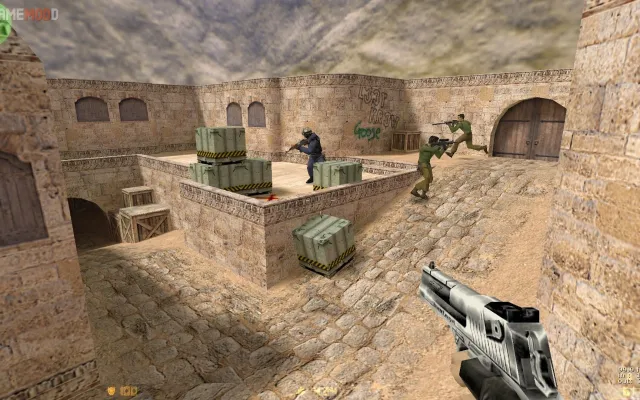
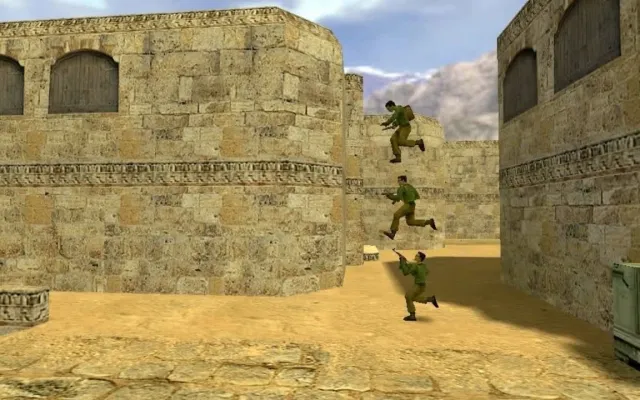
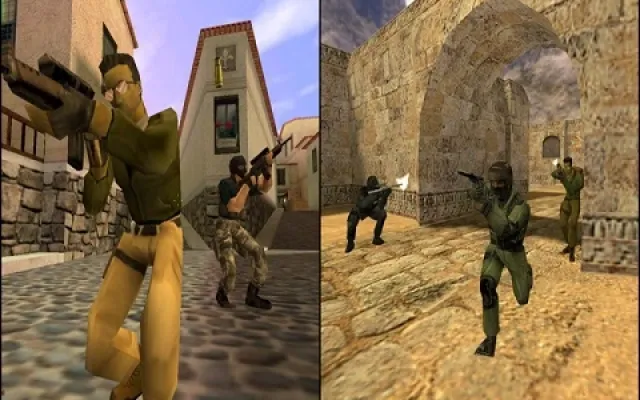
Learn the rules, objectives, teams, weapons, equipment, prices and practical tips before you start playing.
About CS 1.6Tune FPS, mouse, video and network settings for a stable Counter-Strike 1.6 setup.
Best CS 1.6 SettingsWhat “original CS 1.6” means and what to check before installing.
DownloadResolution, renderer, mouse and compatibility tips for modern Windows.
DownloadOffline practice, bot packages and common bot problems.
DownloadA clean baseline for configs, models, sounds and scripts.
DownloadWhat the community build name means and what to check.
DownloadVideo, mouse, resolution, sound, launch and NextClient FOV fixes.
DownloadThe download buttons below point to the current CS16.LT client files. Check the source and security warnings before running an unfamiliar executable.